
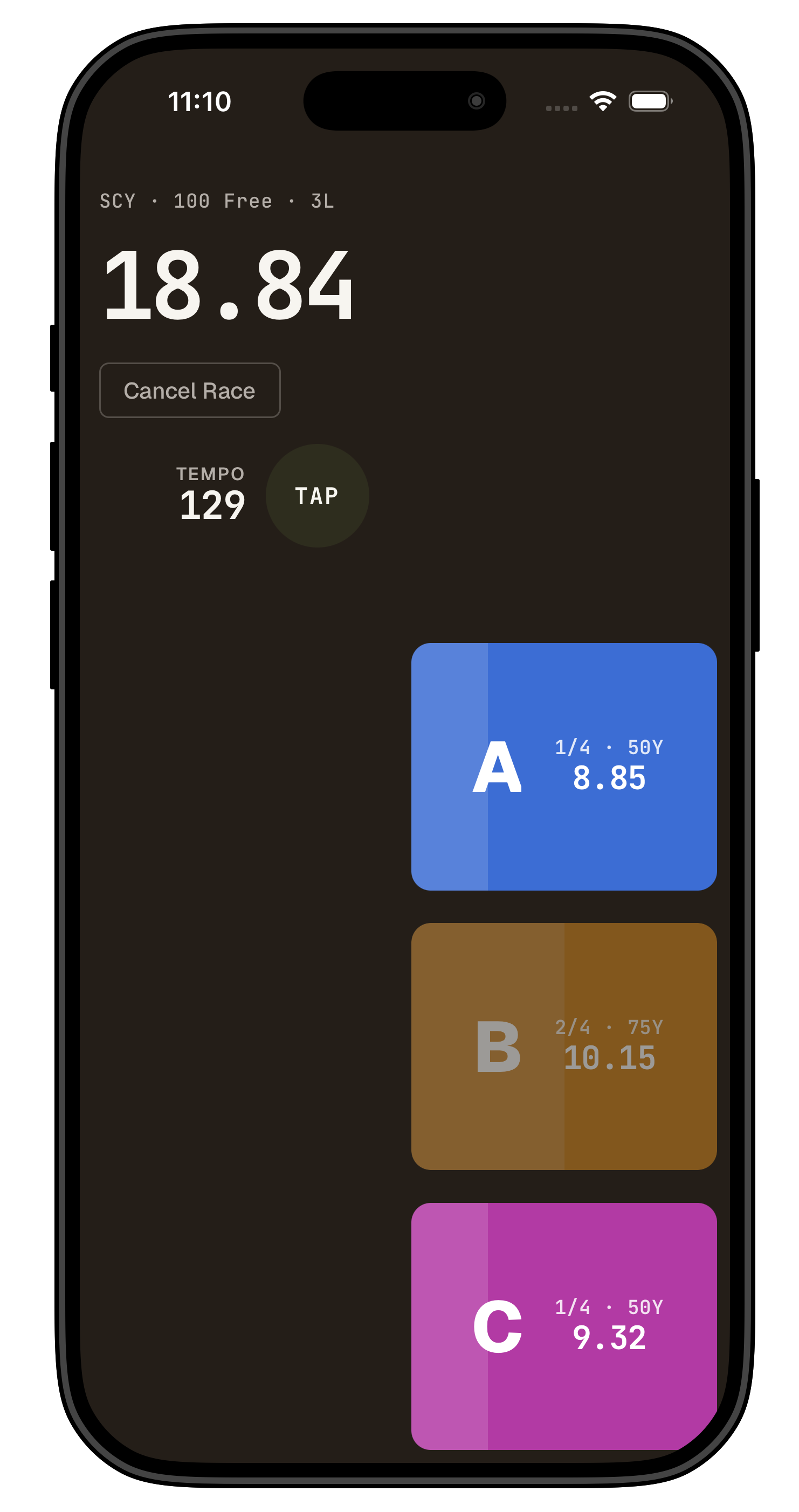
I was just sick of having to handle multiple stopwatches at the same time.
And it grew from there. I wanted a better way to track meets than highlighting my swimmers on the heat sheet then scribbling splits in the margins.
So I built it all. A split stopwatch, team management, and a heat sheet scanner and a way to manually time (when the touchpads aren't working in a random lane) or enter splits from the board, plus notes on the swim.
Time the whole heat
Tap a lane as each swimmer touches. Up to seven lanes at once, every split captured. Great for use in practice.
See the swim, not just the time
Every split is compared to an ideal pace for the event if we have the data (which is just an aggregation of recent elite swims in that race, weighted for the swims that were faster). There's a tempo counter built in too if you pay for Touchpad Team.
Keep notes on swims
Each lane opens a notes sheet with chips — starts, underwaters, turns, breathing, finishes. Tap what happened, add a note, save. Still editable weeks later and ties into insights so you know what to work on in the next week or so.
Works without an account
Split stopwatch, history, home screen tempo counter, and notes all work for free and with no account required. Sign in when you want to sync across devices, and subscribe to Touchpad Team when you want to manage a full roster, get access to the heat-sheet scanner, use the full suite of meet tools, and get the tempo counter inside the split stopwatch.